Plan optimistically. Know where you really stand.
Tight schedules across multiple clients leave no room for jumping between tools. Planning comes last out of necessity, not choice.
Sound familiar?
The problems we hear most from teams like yours.
Compressed timelines crowd out planning
Client work moves fast. You're planning and delivering at the same time, and small problems add up before you see them.
Untracked hours don't make it to the invoice
Hours are getting lost among the category buckets, and you have no way to trace them. Invoices have numbers but no evidence.
Clients want a clean breakdown — and that's reasonable
Building fast means the receipts can get lost in the noise. You did a thing, but proving it is a challenge.
How AbleTime helps
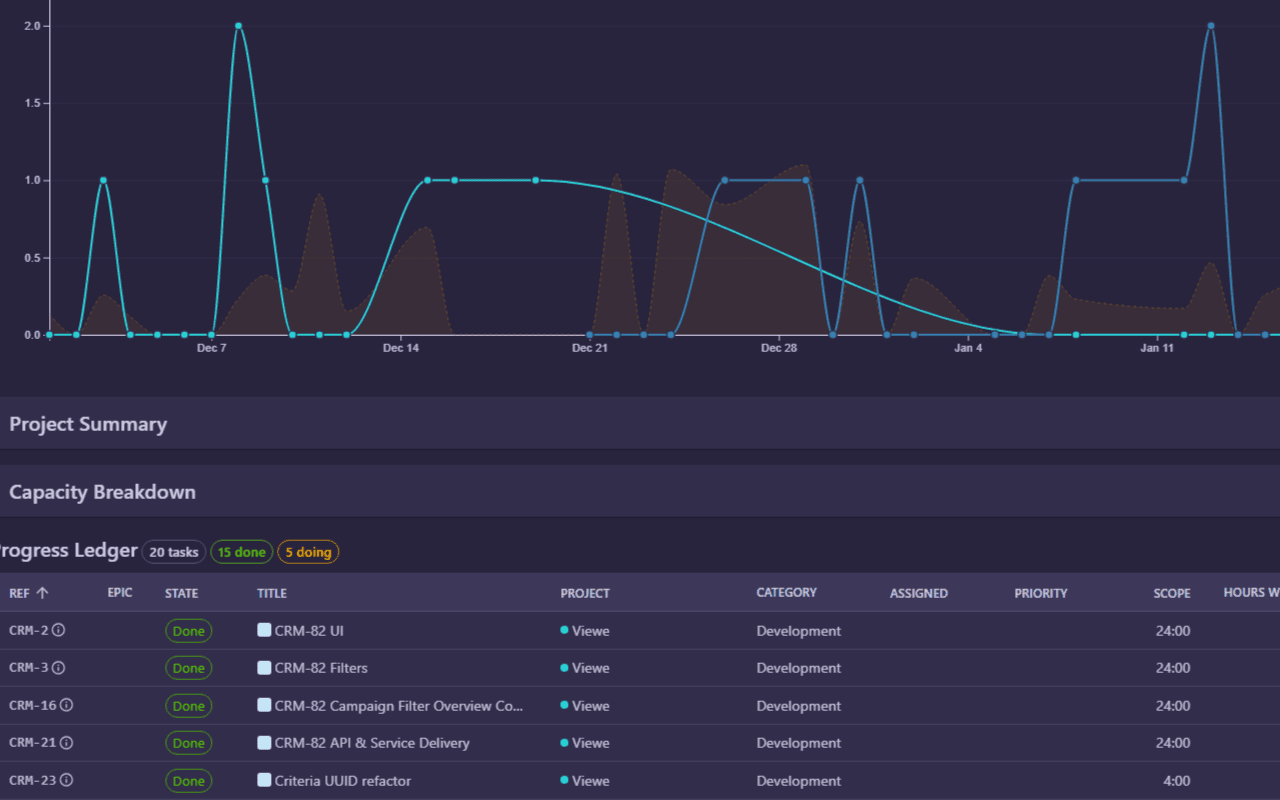
Time tracking tied directly to your project plan — so you always know estimated vs. actual.
Light planning that fits real schedules
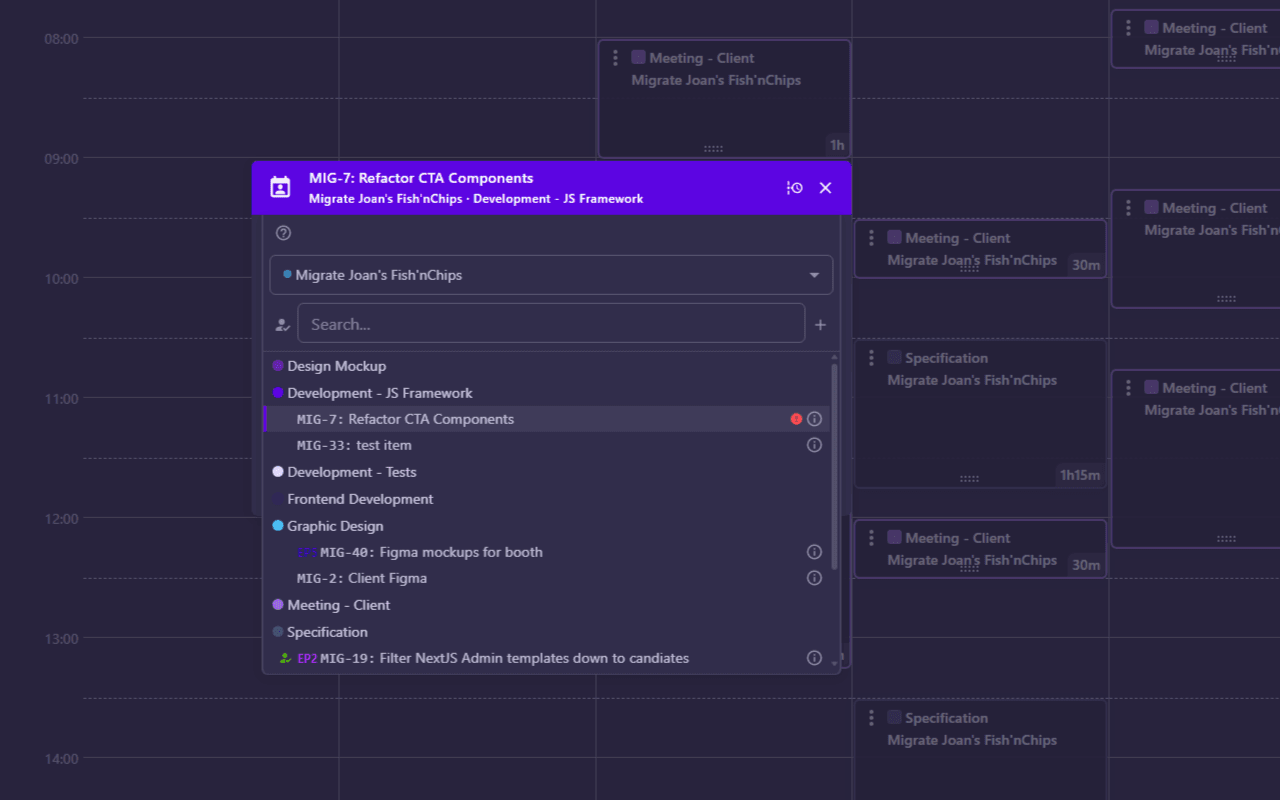
Add your tasks on the fly and AbleTime will populate the Kanban and refresh the timeline. Zero extra effort, fully rendered charts, projects planned as you work.
Time captured at the task itself
Record the entry once and it registers everywhere it needs to be. Tasks show all the hours, invoices write themselves, and you can see where the time went.
Where your time went, on demand
Every entry is a receipt, the where and when and what, all organized and charted and ready to share. Clients will be stunned by the clarity.
Ready for the 60-day beta?
Request access and run real projects on the full platform.
No credit card. We'll email you when your spot opens.